- Aerospace and Defense
- Agriculture
- Apparel and Textiles
- Automotive
- Building Materials and Products
- Chemical
- Consumer Packaged Goods (CPG)
- Distribution
- Electronics and High-Tech
- Energy
- Food and Beverage
- HVAC
- Industrial Machinery and Equipment
- Lumber and Wood
- Medical Device
- Metal and Steel Fabrication
- Mining and Quarrying
- Oil and Gas
- Other
- Paper and Packaging
- Pharmaceuticals and Biotechnology
- Plastics and Rubber
- Professional Services
- Semiconductors
- Ship Building and Marine
- Transportation and Logistics
- Additive Manufacturing
- Configure To Order (CTO)
- Discrete Manufacturing
- Engineer to Order (ETO)
- Industrial Distribution
- Job Shop / Machine Shop
- Light Assembly (ATO) / Kitting
- Make to Order (MTO)
- Mixed Mode Manufacturing
- Process Manufacturing
- Professional Services (Non-MFG)
- Repetitive / Make to Stock
- Wholesale Distribution
- Under $1 Million
- $1 to 10 Million
- $11 to 50 Million
- $51 to 100 Million
- $101 to 500 Million
- $500 Million to $1 Billion
- Over $1 Billion
- AI (Artificial Intelligence)
- Barcoding
- Cloud ERP
- Ecommerce Integration
- EDI (Electronic Data Interchange)
- Hybrid Deployment (Cloud/Premise)
- IBM DB2 Compatible
- IoT (Direct Machine Integration)
- KPIs (Knowledge Performance Indicators)
- Lot Tracking
- Mobile ERP
- MS Azure Compatible
- MS SQL Server
- Multi-Tenant Architecture
- NET Platform
- On Premise
- Progress Compatible
- QuickBooks Compatible
- SaaS (Software as a Service)
- Salesforce Compatible
- SOA (Service Oriented Architecture)


The Best ERP Systems and Vendors
The Top10ERP.org decision platform specializes in indexing and comparing the top ERP systems for manufacturing. We focus on showcasing the highest-rated ERP software systems from trusted and proven vendors, streamlining the evaluation and selection process for manufacturing and distribution industries in the United States and Canada.
Compare the top 10 ERP systems side-by-side.
Ready to Find a Top ERP System?
Our "Best Fit" comparison tool finds the top ERP Systems for your business


Manufacturing Companies of All Sizes


The industry comparisons were crucial to our ERP selection process. Choosing the wrong manufacturing ERP system is easily avoided with Top10erp.org.Eric Beavers Armstrong Steel
Gone are the days of endless spreadsheets. With our new ERP solution, we can focus on growth of the company.Steve Goodger GF Brewing
With Top10ERP.org, we narrowed our search to the top ERP systems for our business. Finding the right ERP has improved our manufacturing company exponentially.Chris Bryda Heckman Corp
What we do
Trusted since 2008, The Top 10 ERP system index has provided unbiased and essential Enterprise Resource Planning (ERP) software decision support to over 950,000 manufacturing and distribution businesses in the United States and Canada searching for top ERP systems in their industry. Use our powerful decision platform to search and compare ERP systems to find the best match for your business.


Affiliations and accreditations


Expert ERP Advice and Articles
Articles on selecting the top ERP systems for your industry, comprehensive ERP guides, and manufacturing ERP topics
How Much Does ERP Cost? ERP Pricing Guide for 2024
Are you considering investing in an ERP system for the first time or upgrading to a better one? Let us help you choose the best ERP system for your business needs while avoiding costly mistakes.
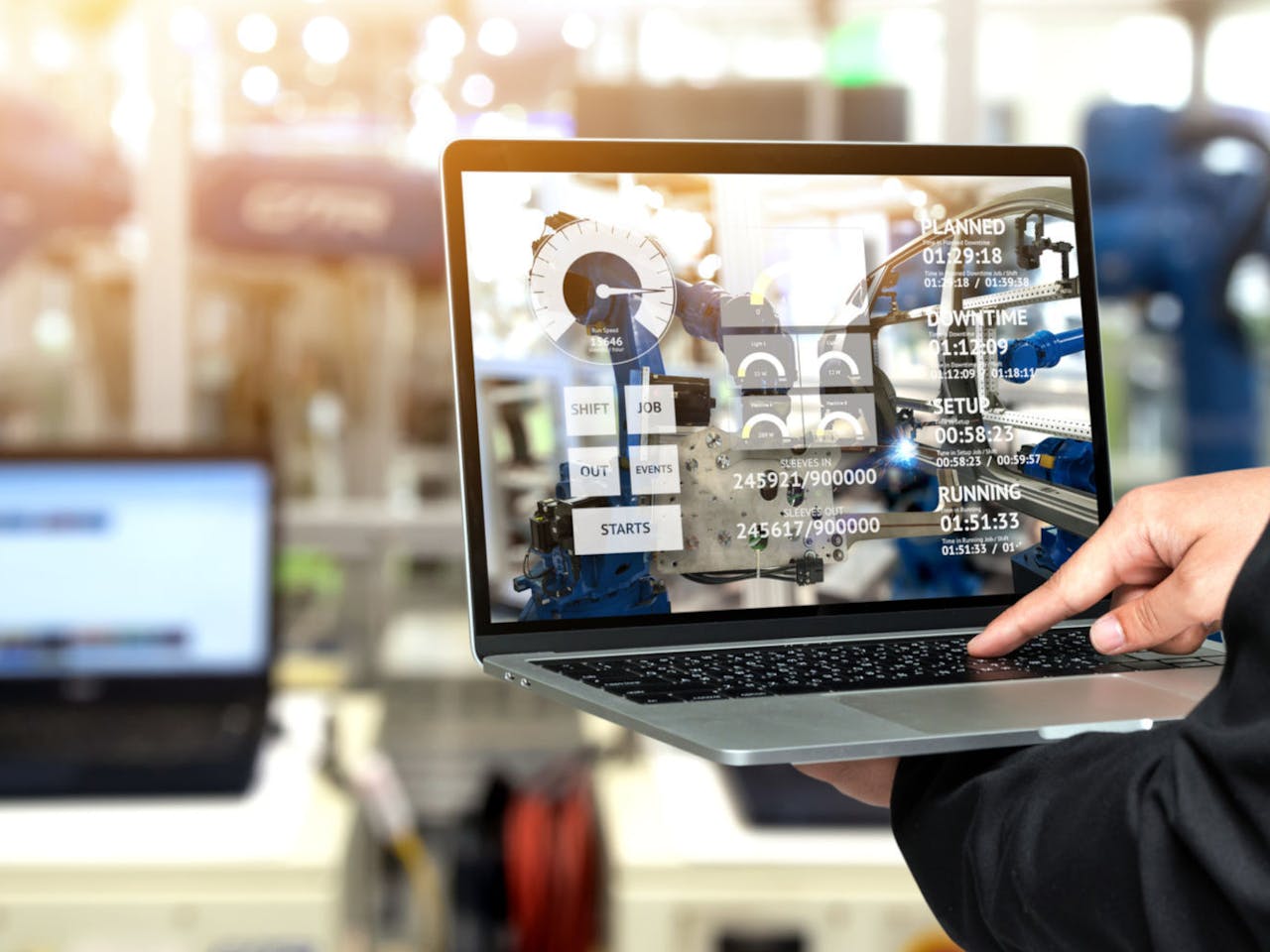
The Best ERP Systems for Small Manufacturing Businesses
Are you debating whether it's time to implement the power of Enterprise Resource Planning (ERP) software to take your small manufacturing business to the next level? Or do you already KNOW you need an ERP solution but are confused about…

AI in ERP: The Next Wave of Intelligent ERP Systems
Integrating artificial intelligence (AI) with enterprise resource planning (ERP) systems promises to provide modern business operations a substantial upgrade. While ERP software systems already play a critical role in managing key organizational functions, the infusion of AI technology elevates its…
